
Do you have too many items?
If you have too many items…
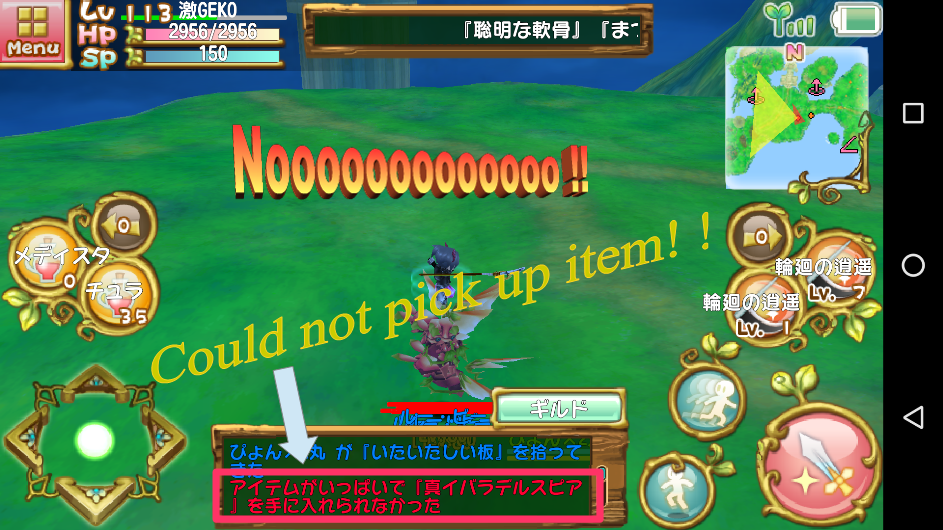
Have you ever seen such a display?
Yes, you are missing a drop item.
To avoid this tragedy, leave unused items in the “倉庫(warehouse)”.
How to use the warehouse
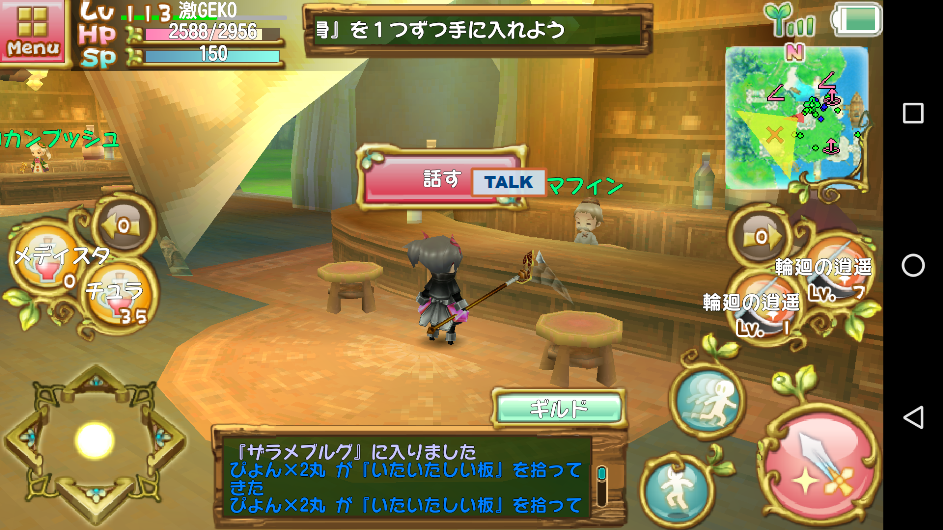
The “倉庫(warehouse)” can be used by talking to a specific NPC.
For example, “ヴァニラ(Vanilla)” in “ガトービレッジ(Gateau Village)” or “マフィン(Muffin)” in “ザラメブルグ(Saramenburg)”.

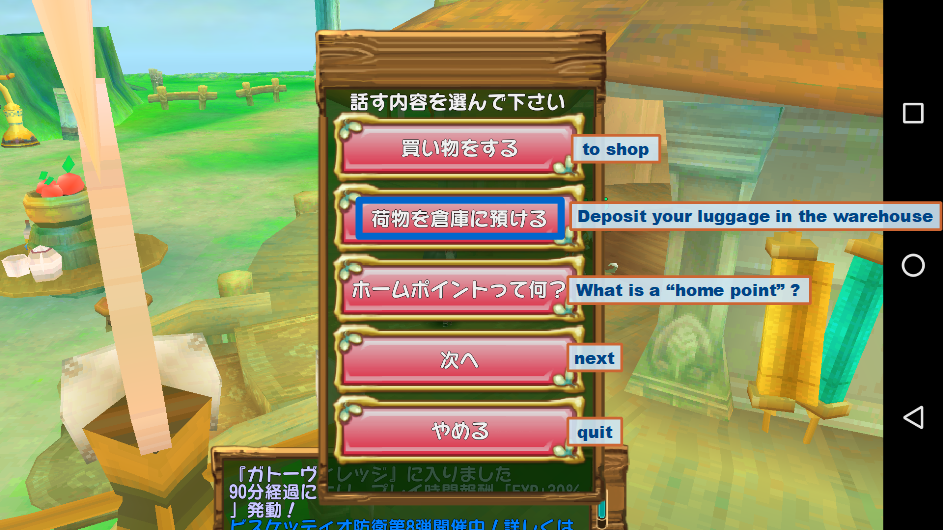
Choose “荷物を倉庫に預ける(Deposit your luggage in the warehouse)” from the menu.
The “取り出す(Take Out)”, “預ける(Deposit)”, and “倉庫切り替え(Warehouse Change)” menus are displayed.
The “倉庫切り替え(Switch Warehouse)” menu is available when you have expanded the warehouse using coins. (This time, the explanation of the “Change warehouse” menu is omitted.)
Deposit

The contents of the “バッグ(bag)” are displayed in the center window.
Select an item and press the “預ける(Deposit)” button at the bottom right.
When the confirmation screen is displayed, select “はい(Yes)”.
For stacking items, you can select the number of items.

Select the number of items to deposit and press the “決定(Decision)” button.
Take Out

The contents of the “倉庫(warehouse)” are displayed in the center window.
* The notation is “ボックス(box)”.
Select an item and press the “取り出す(Take out)” button at the bottom right.
If this is also an item to stack, you can select the number of items to retrieve.
How was it?
Let’s send a comfortable game life using the “倉庫(warehouse)”.
…Huh?
What does “the warehouse soon fills up” ?
“倉庫(Warehouses)” and “バッグ(bag)” can be expanded.
However, coins are required to expand.
Coins can be purchased with real money or earned with a login bonus.
…But that explanation will come again.
 GEKI-GEKO game note